Apple has long used the Handoff name for a Continuity feature that lets you, for example, start writing an email on your iPhone and finish it on your Mac. However, starting with iOS 27, iPhone users now also get iPhone Handoff, a new feature that lets you use the same phone number on two iPhones. It’ll undoubtedly be a great feature for some users, but the catch is that your carrier needs to support it.
Right now, T-Mobile is the only American carrier that supports the feature, and it charges $5 a month for it. Apple also says that Verizon will get it before the end of 2026. AT&T has not committed to adding support for the feature, and company representatives have opted to point out the carrier’s already-existing eSIM transfer capabilities when queried by outlets like CNET. However, AT&T’s eSIM transfer isn’t quite the same, as it’s for moving your number to a new iPhone and switching off the old one.
IPhone Handoff works differently. It assigns a single SIM to both a main iPhone and a secondary one, though your number can only be active on one phone at a time. Your iPhones share the SIM, with each phone intelligently activating the eSIM when you start using it.
How it works and how to set up
The Handoff feature detects which of the two iPhones you have unlocked. Unlock one of the two, and your calls, voicemail, and texts automatically move to that phone –- along with the location Apple’s Find My app shares with friends. On T-Mobile, this switching works because the carrier installs separate eSIMs on each phone. You can tell which one’s activated from a banner that pops on the screen reading “Switched to this iPhone.” The two iPhones don’t even need to be near each other for this to work, which is why Apple recommends having a passcode on both phones.
IOS also notifies your apps that the number has switched. Developers have already been notified to use this alert to move your logins and saved data to the iPhone you just unlocked. Not everything gets handed off to the secondary iPhone, though. Some settings stay with the main iPhone, like managing carrier services such as Call Forwarding and Caller ID. Your Apple Watch won’t switch phones, either.
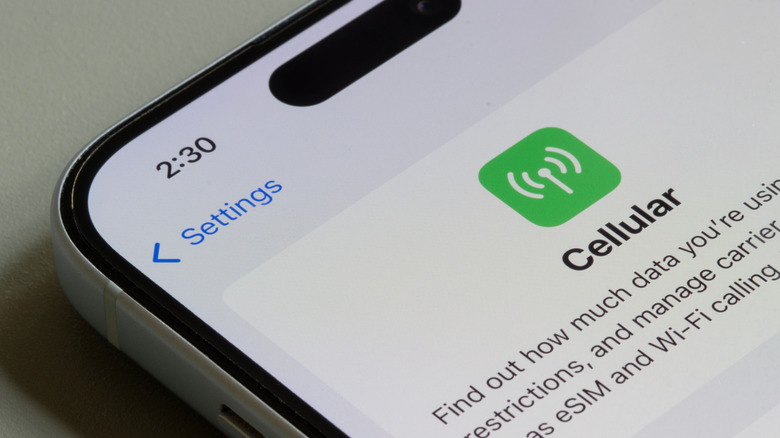
To get started with Handoff, both iPhones need to be signed into the same Apple Account and be running iOS 27 or later. Next, open Settings, tap Cellular, and tap Set Up Cellular or Add eSIM. Here, pick “Use Number on This iPhone and Another.” Do note that T-Mobile only offers iPhone Handoff for postpaid consumer and sole proprietor accounts as of writing.